
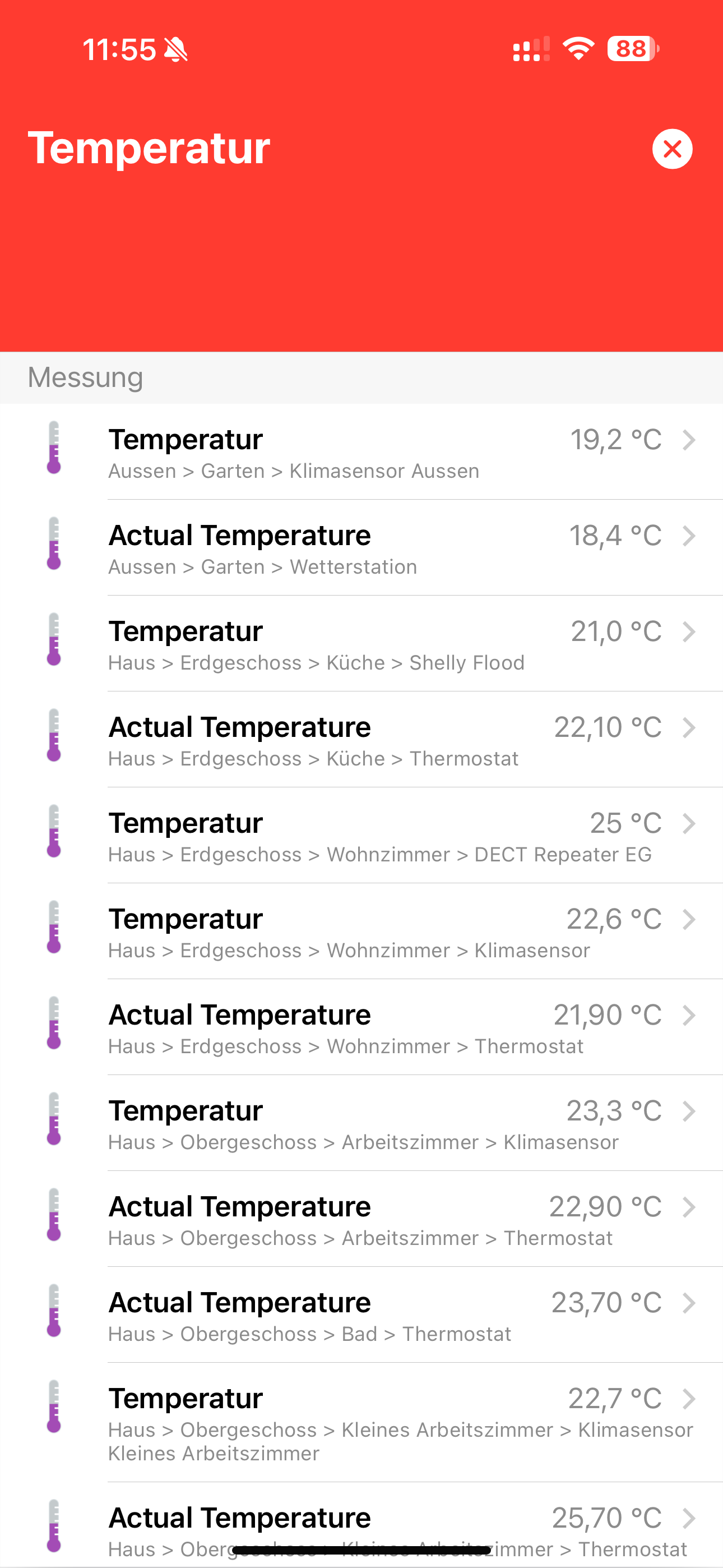
The expandable card I built does not scale well when using the OpenHAB iOS App.
As below, a card header should be added to move the card below the battery, clock, etc.
I’m wondering how to add a top margin to extendable cards only for IOS app?

In Safari Browser it looks better:

Default Expandable Cards seems to add a header on top of the card to move it below the clock, battery, etc.
I tried different f7 css variables as:
  --f7-card-expandable-margin-horizontal
  --f7-card-expandable-margin-vertical
but this didn’t solve the problem.
I tried to use the approach described by @JustinG using expandableOpened
but not sure how to use it without an icon to assign the variable.
Any hint?