
I have several Z Wave devices. Some ome them are running quite good others not .
I was trying different things (removing the things and adding them again).
The I discovered when I was looking in the property section of the things, that they are all just connected to neighbor 1 (which is the z wave controller)
I think this ins’t the way this should work? I’m confussed at the moment. How could i force the network to connect to other neighbors? I think this will solve the problem with the devices which are not near controller and have problems to connect.

First thing I’d do if I were you is to check in HABmin, if you haven’t already installed it do so in add-ons->user interfaces. It’s generally better for checking problems with Z-Wave devices.
Btw, which OH version are you on? And which version of the Z-Wave binding?

Well, that looks kinda sad, especially node 7 
There is a developement version of the Z-wave binding which works much better than the default one for many users (including me), I think you should try that instead. See this thread for more info.
I tried to install the newer version of the zwave binding by adding the jar file to the addon folder and restarting my raspberry.
But I m not sure if the new version is now installed.
Where can I see what version i m using at the moment?
I found this in my log file, i don’t know maybe it helps:
2017-11-23 15:42:14.108 [ERROR] [org.openhab.binding.zwave ] - FrameworkEvent ERROR - org.openhab.binding.zwave
org.osgi.framework.BundleException: Could not resolve module: org.openhab.binding.zwave [205]
Another singleton bundle selected: osgi.identity; osgi.identity=“org.openhab.binding.zwave”; type=“osgi.bundle”; version:Version=“2.1.0”; singleton:=“true”
You need to uninstall the version of the binding that was running prior to dropping the dev version of the binding in addons.
In the karaf console, try running this. It will show you what’s going on.
bundle:list -s | grep zwave
It should look something like this:
openhab> bundle:list -s | grep zwave                                                                                      11:50:27
174 │ Active   │  80 │ 2.2.0.201711192127     │ org.openhab.binding.zwave
Edit: Note that you also need to install the serial binding, since the dependencies are not resolved automatically with bindings in the addons directory. You can do this by adding serial1 to the bindings= line in services/addons.cfg
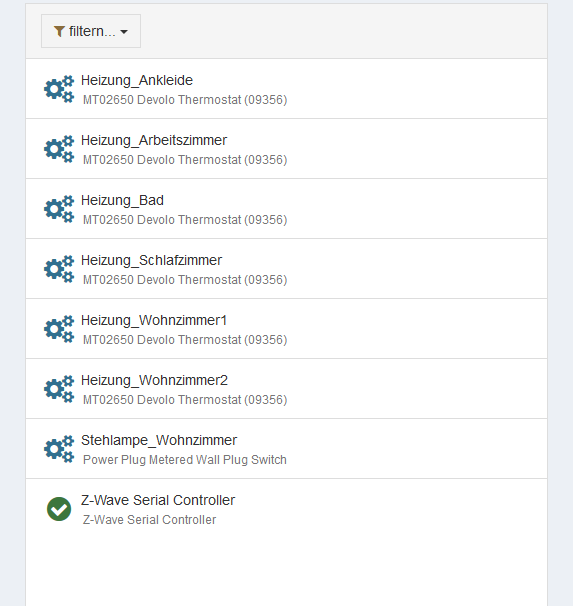
I sovled it by deleting all things and adding them again.

Sorry, I forgot to mention that.
Node 7 is a battery-powered device (the red circle), so it might be that it hasn’t woken up yet. You could try waking it up manually to see if it changes.
I’m not sure what the solid red circle means. Is node 3 battery-powered or mains?
Yes, they are all battery powered devices (except node 8)
I tried to woke up them several times and switched them off by taking the batteries out and switched them on again.
But this doesn’t solved the problem.
The solid red means the controller is reporting it as dead, which can be a temporary state. A wakeup should help, but they will also wakeup on their own, so you could just check back in a few hours (Habmin will show you the devices wakeup interval). Are you sure you’ve woken node 3 up properly? It might just be out of range of node 1 and 8. Powering them up again will usually send an NIF, but not perform a wakeup. I’ve also seen somewhat significant range reduction with low batteries, so you might want to try some fresh ones.What device is Node 7? My Aeon Minimotes show up as orphans like this, which is expected.
One thing I’ve learned is that Z-Wave often requires patience. Sometimes whatever I do there are nodes who completely refuse to talk to rest of the mesh network and I give up and then suddenly a couple of hours (or days) later everything is working like a charm.
Also note that this binding does a network heal every night (default two oclock), so things often look better in the next day because of this.

It depends on their capabilities. What are node 5 and 8? What do the logs have for node 5, especially after a wakeup?

You should see a little check-mark at the bottom of the posts like this (on the left)…
